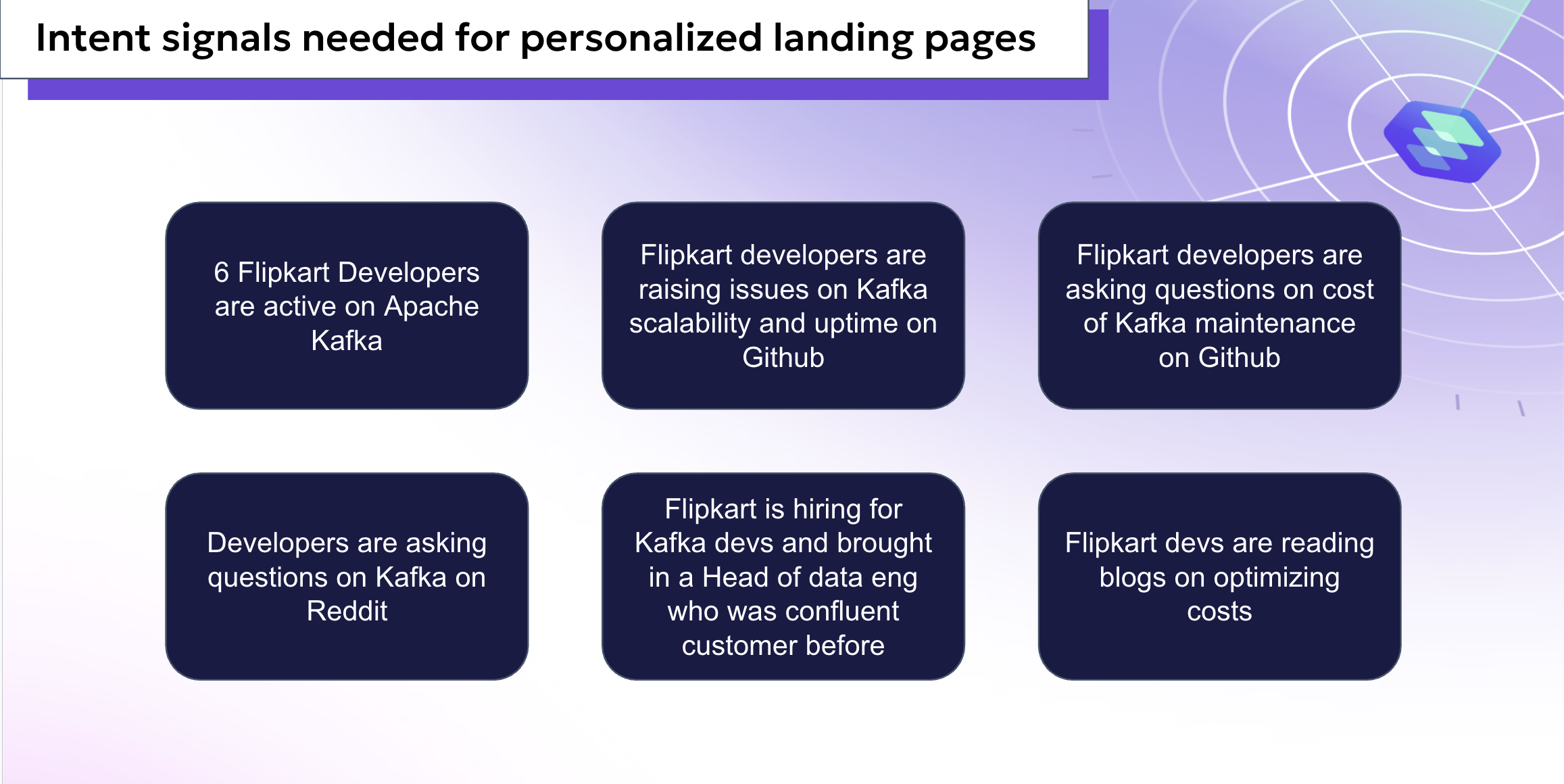
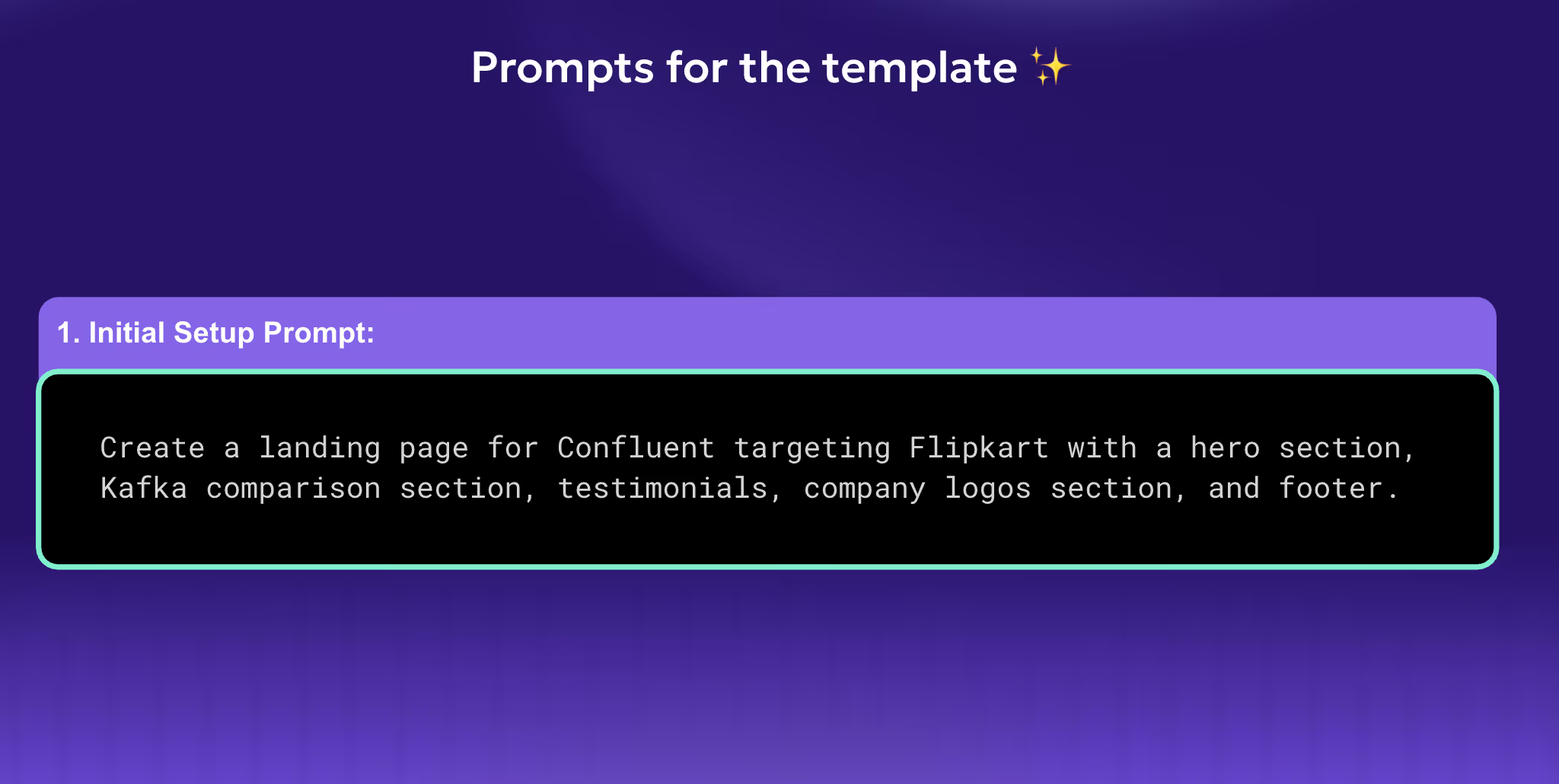
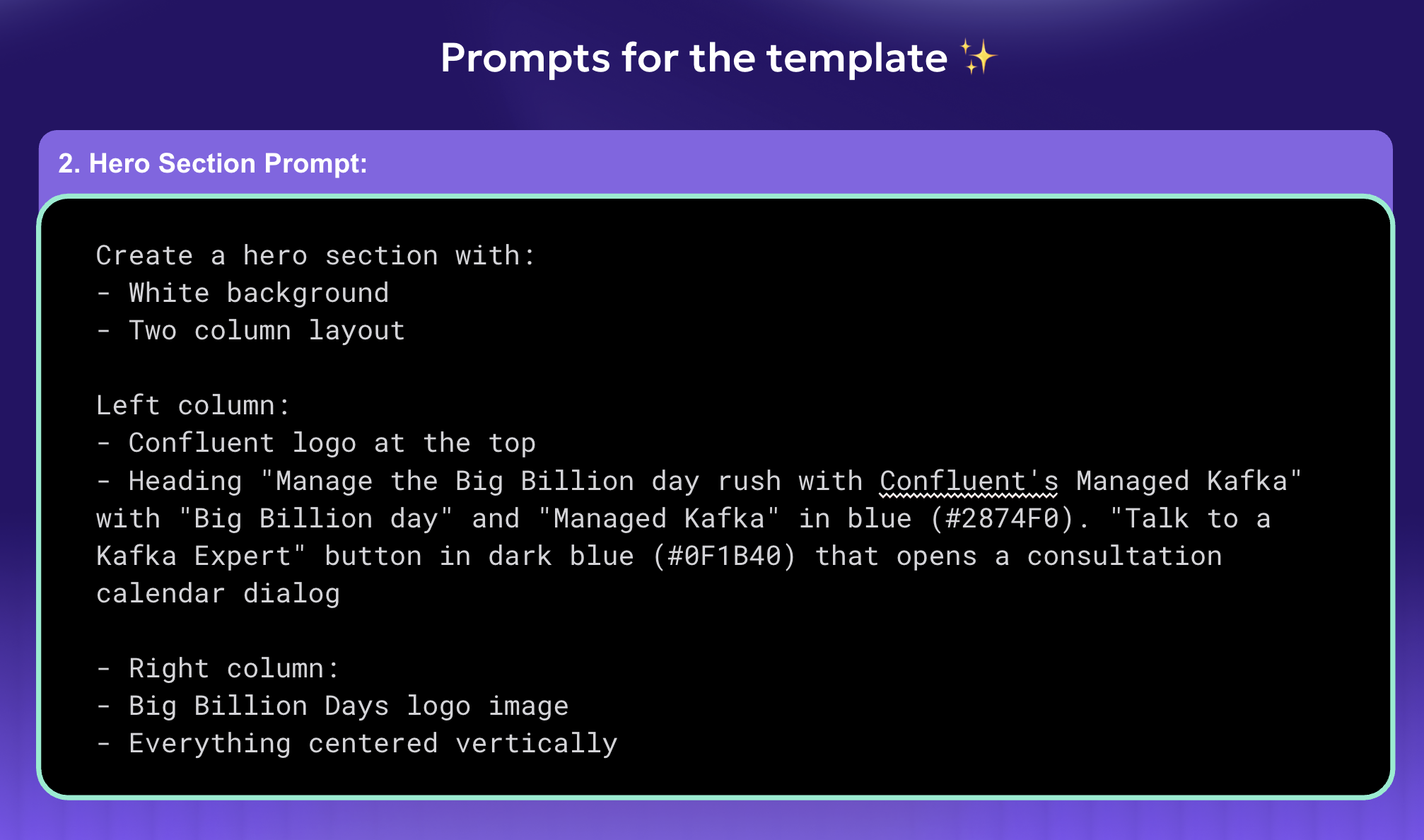
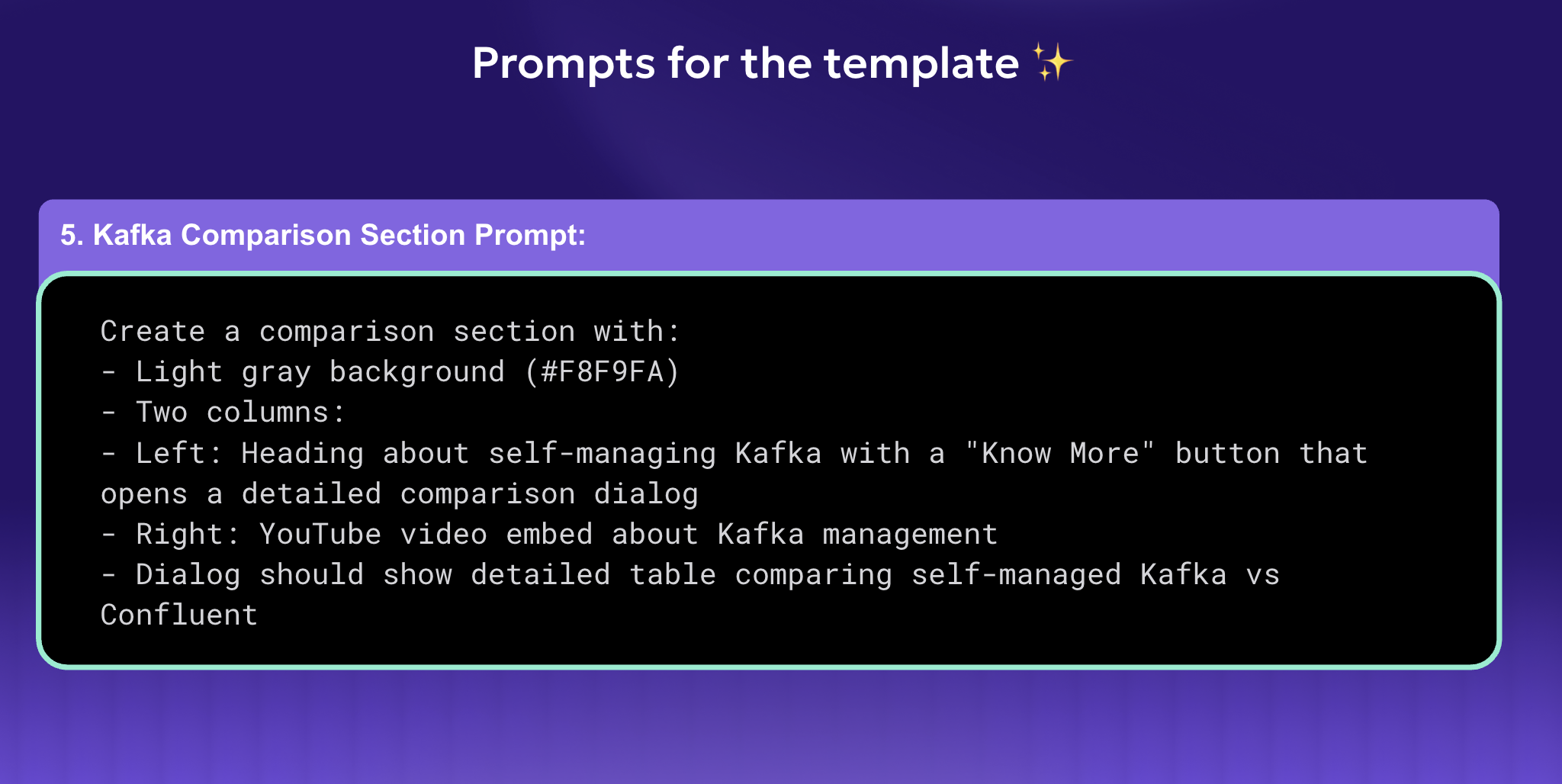
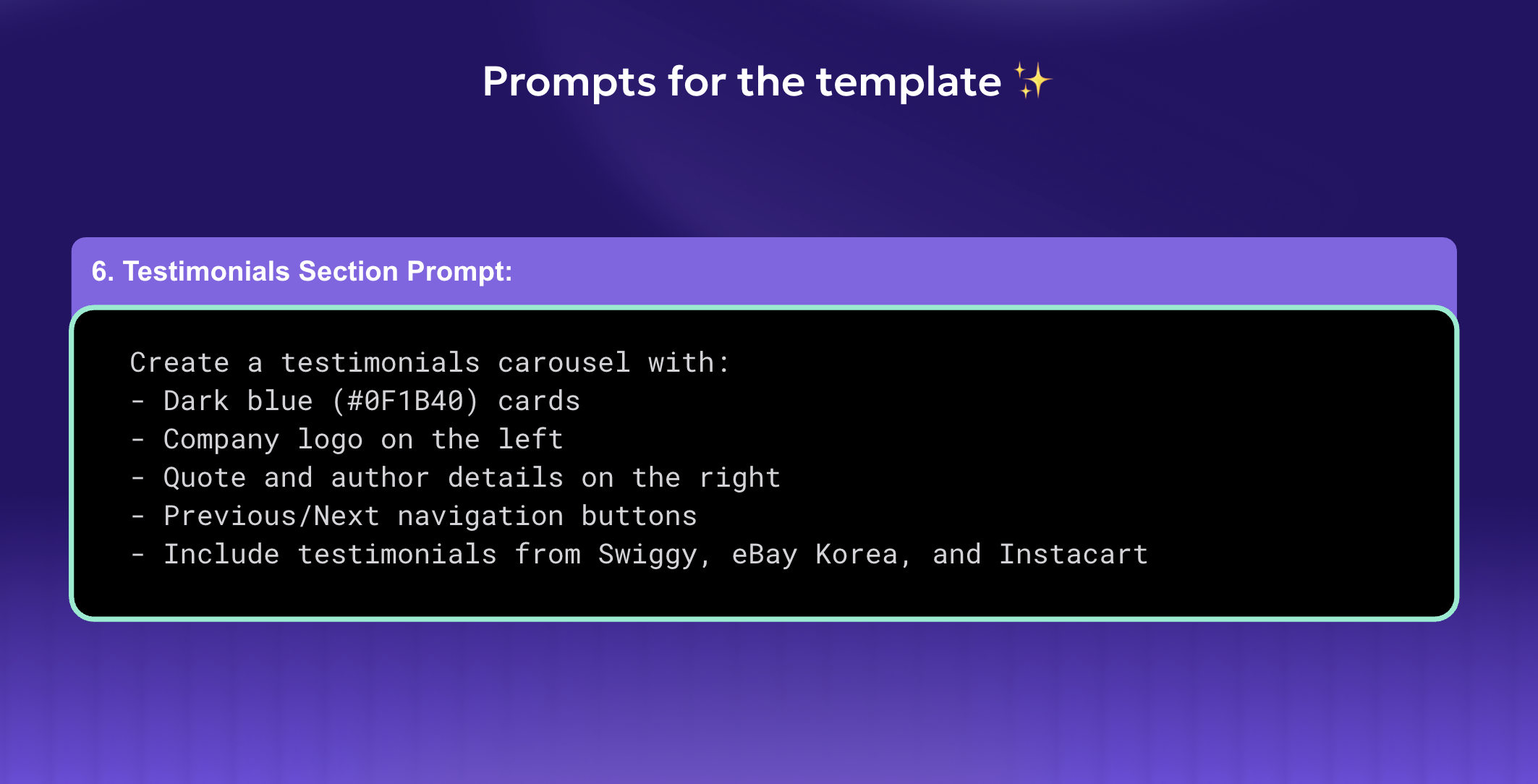
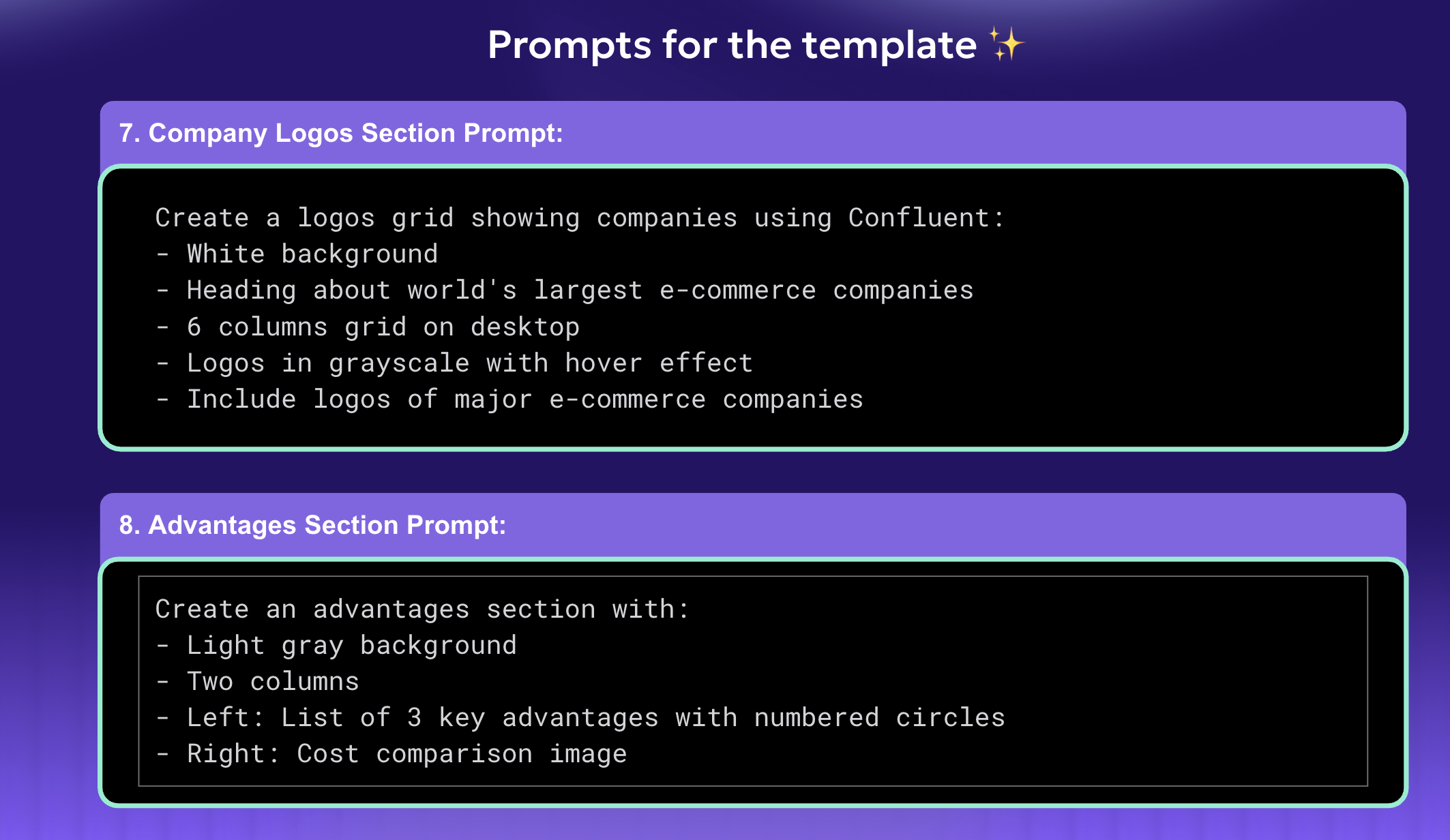
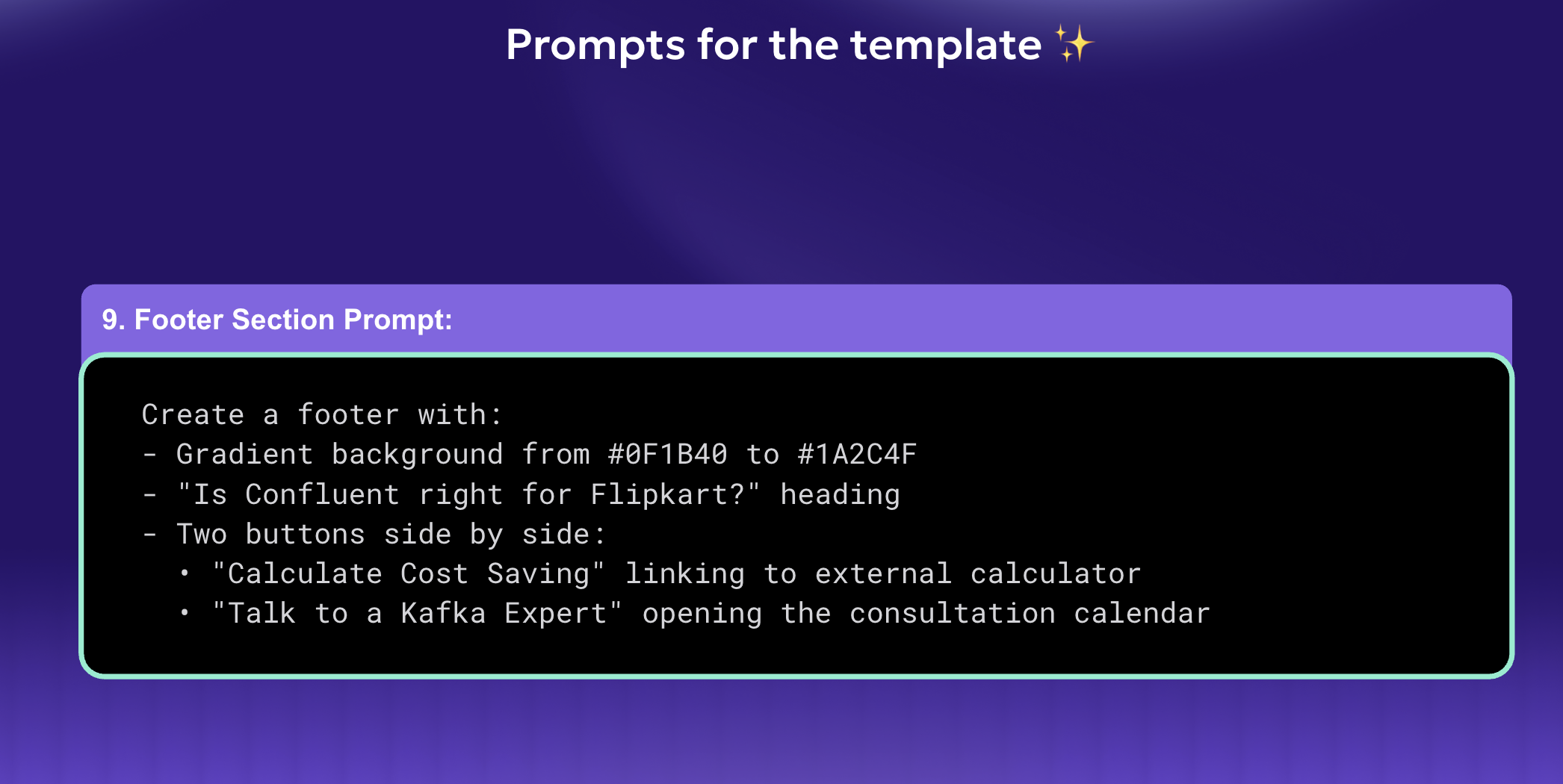
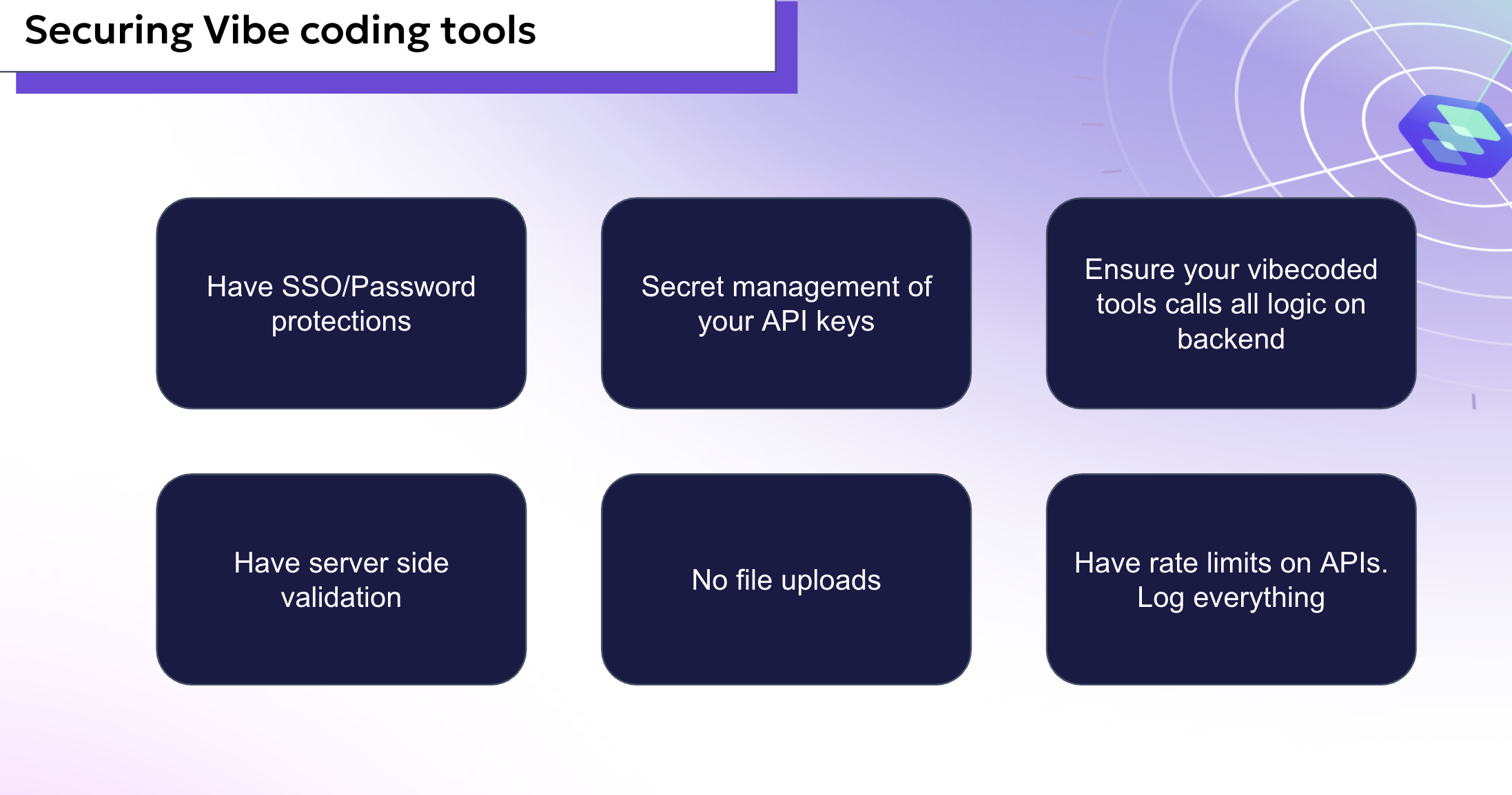
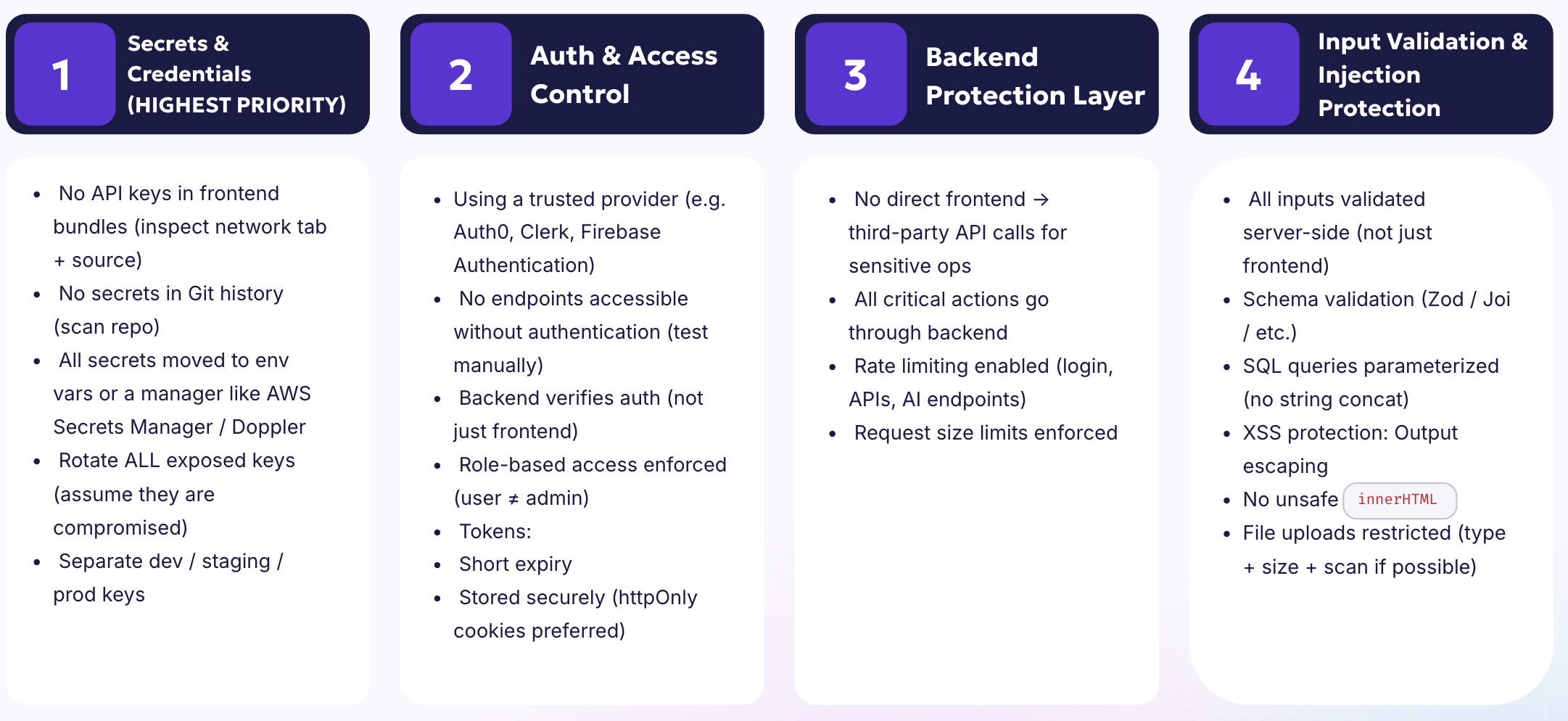
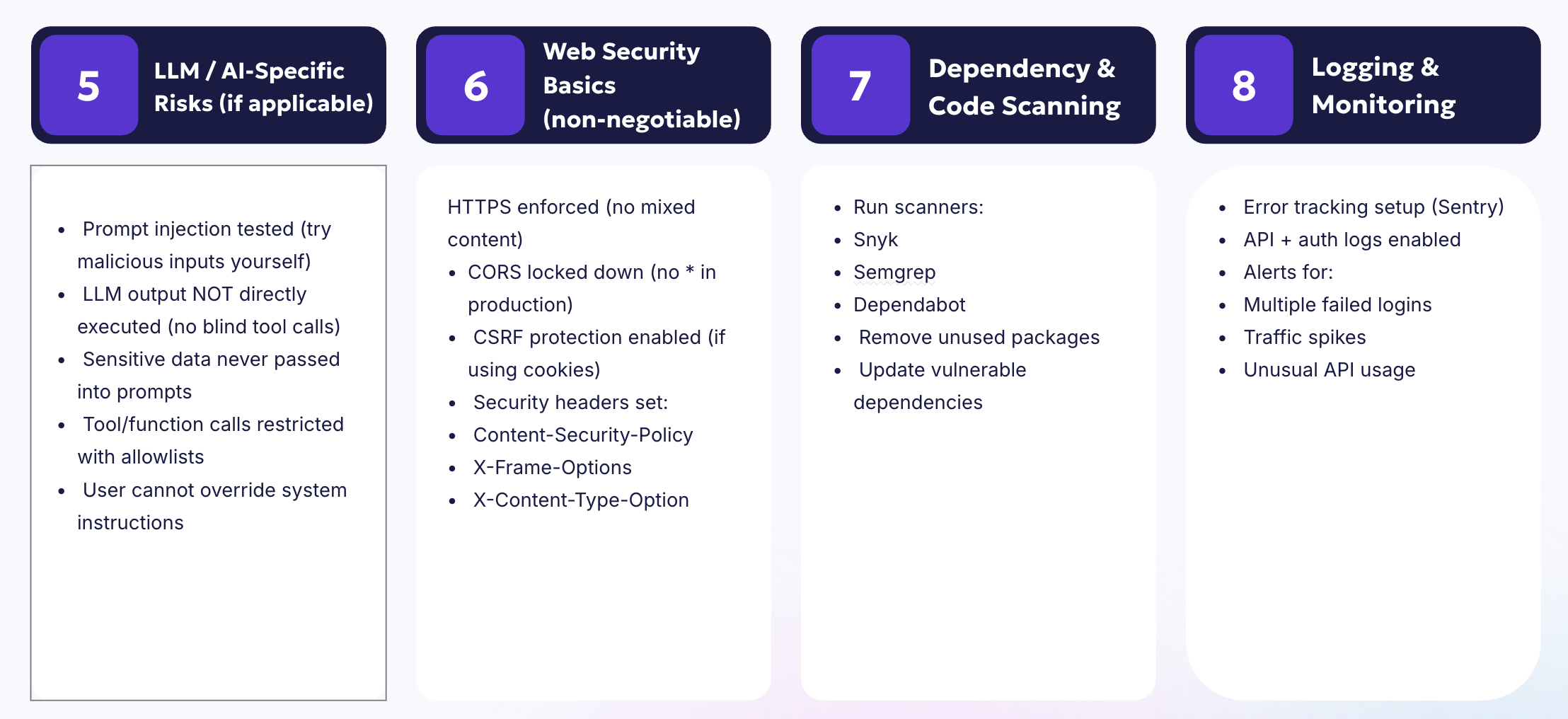
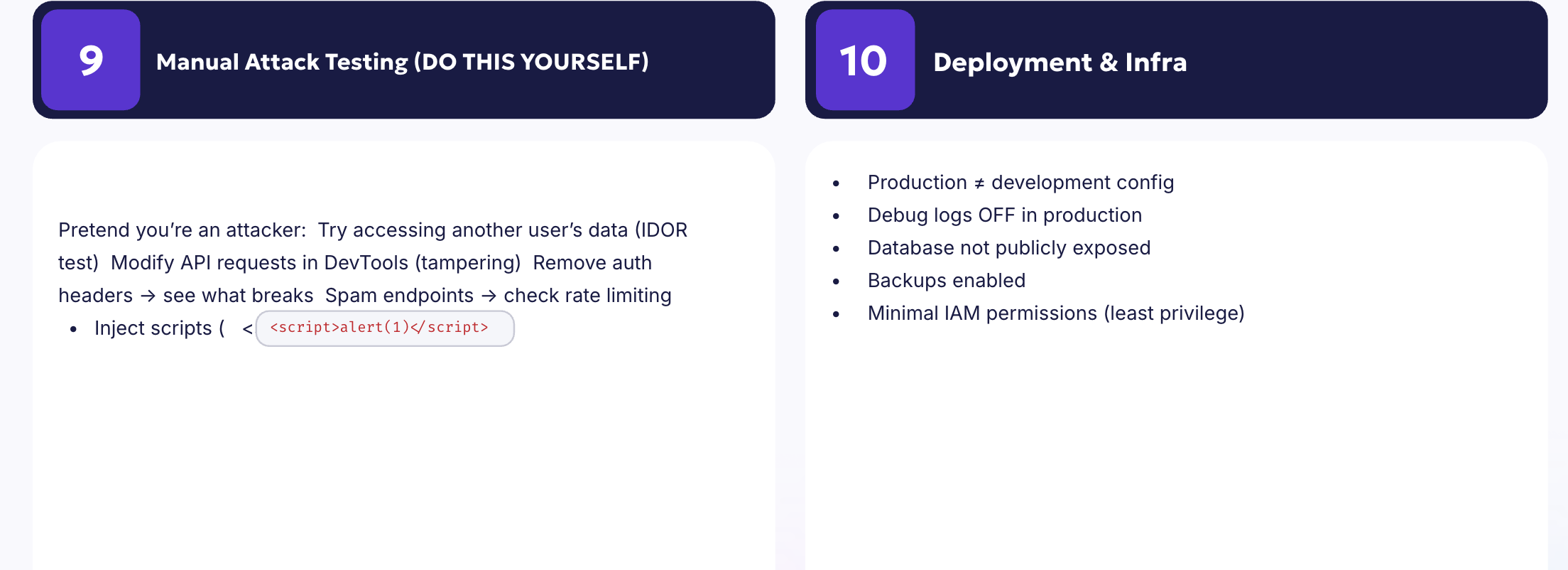
This document contains the tools that we have been using internally and also building for our customer, if you want help in replicating any of this flows, feel free to book sometime https://calendar.app.google/k66Kjrz7H1s53UEFA

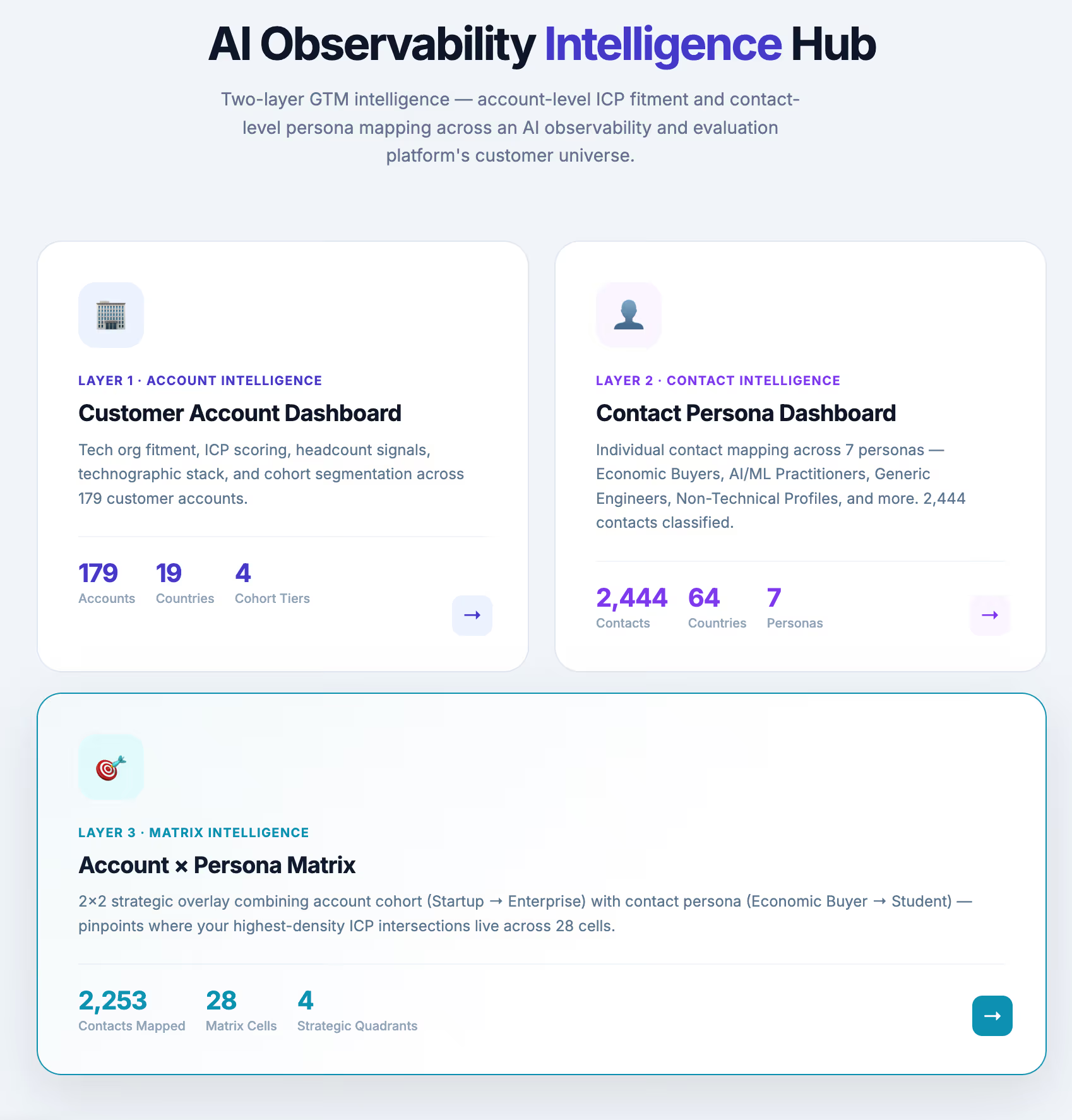
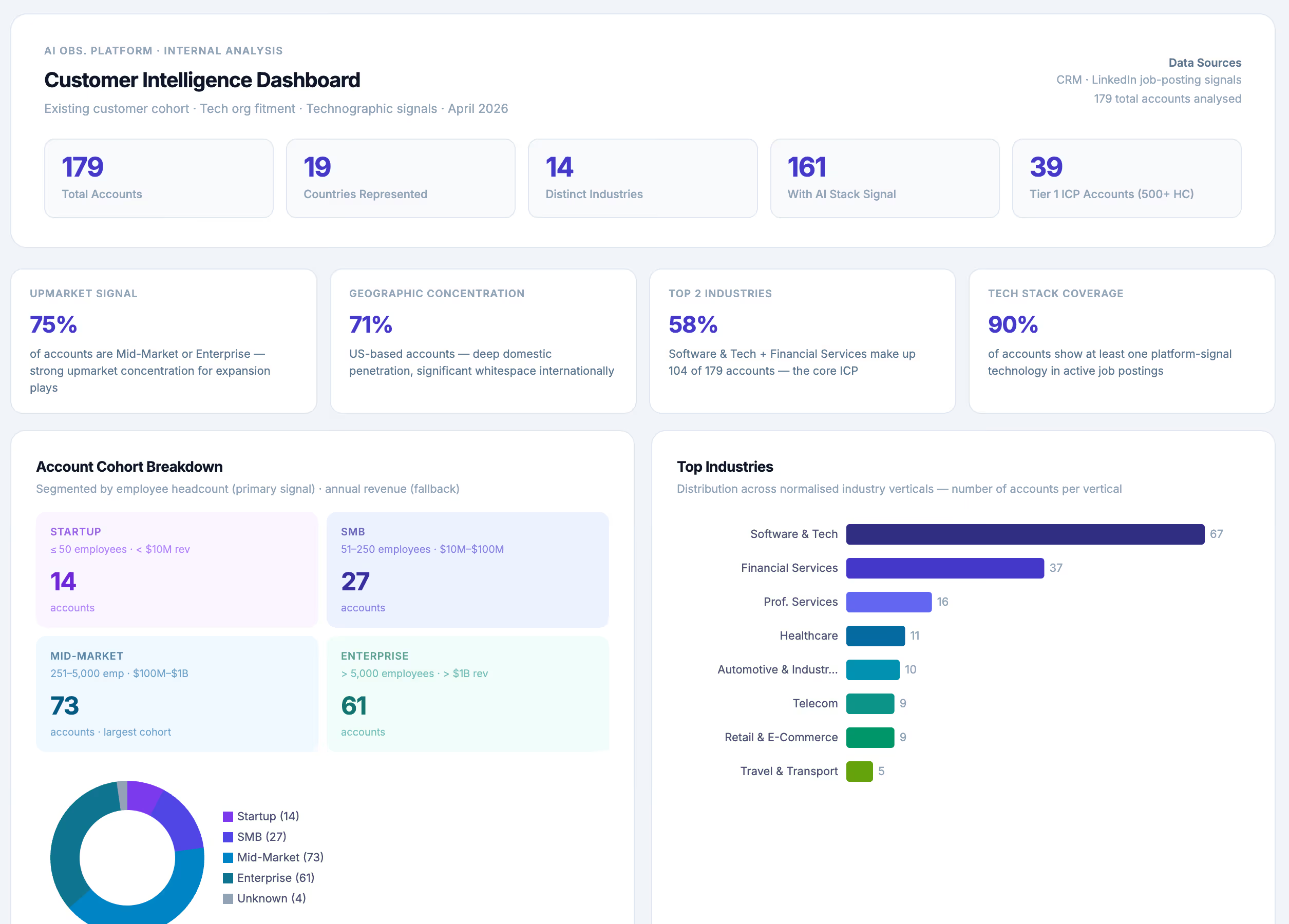
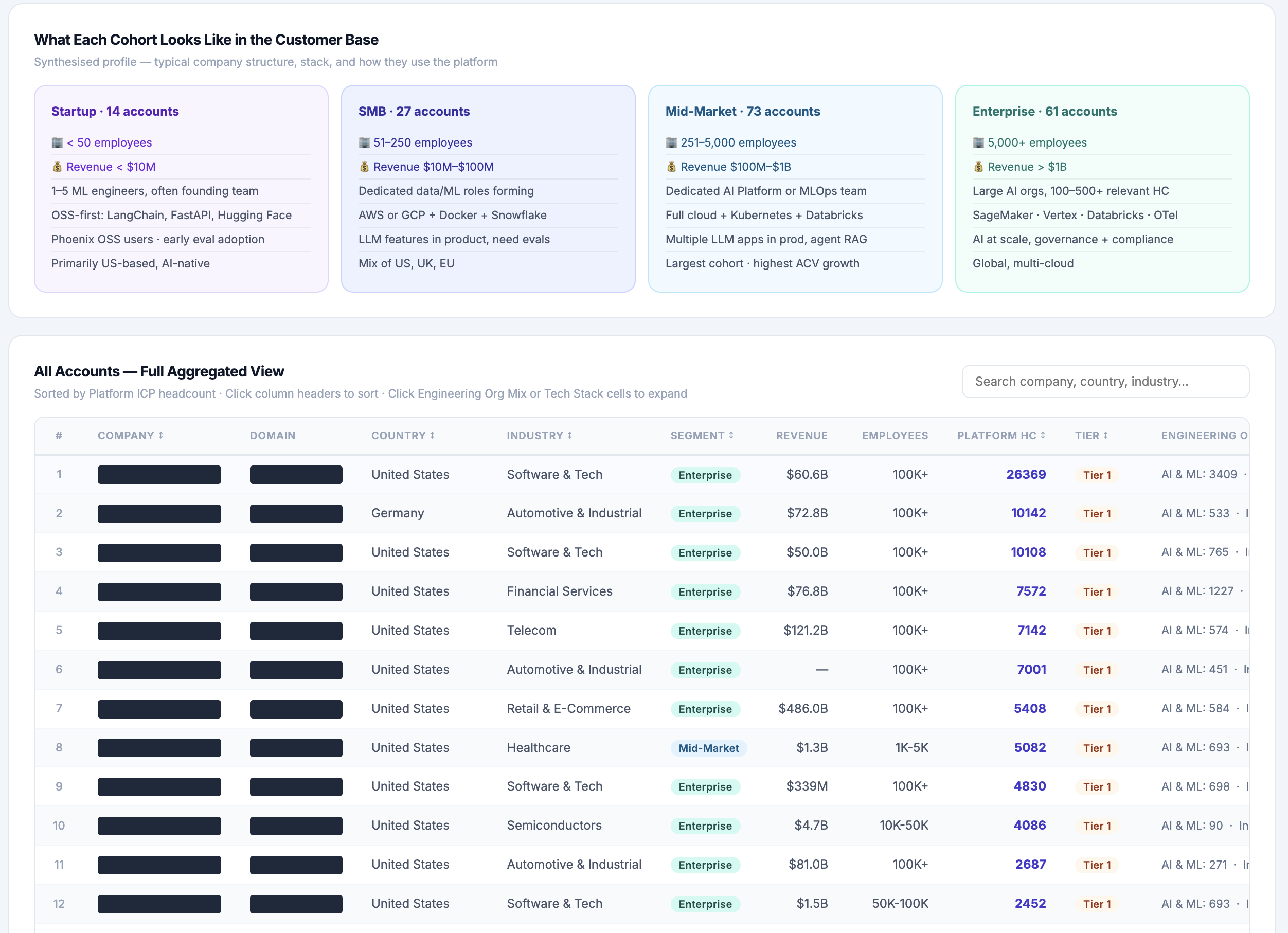

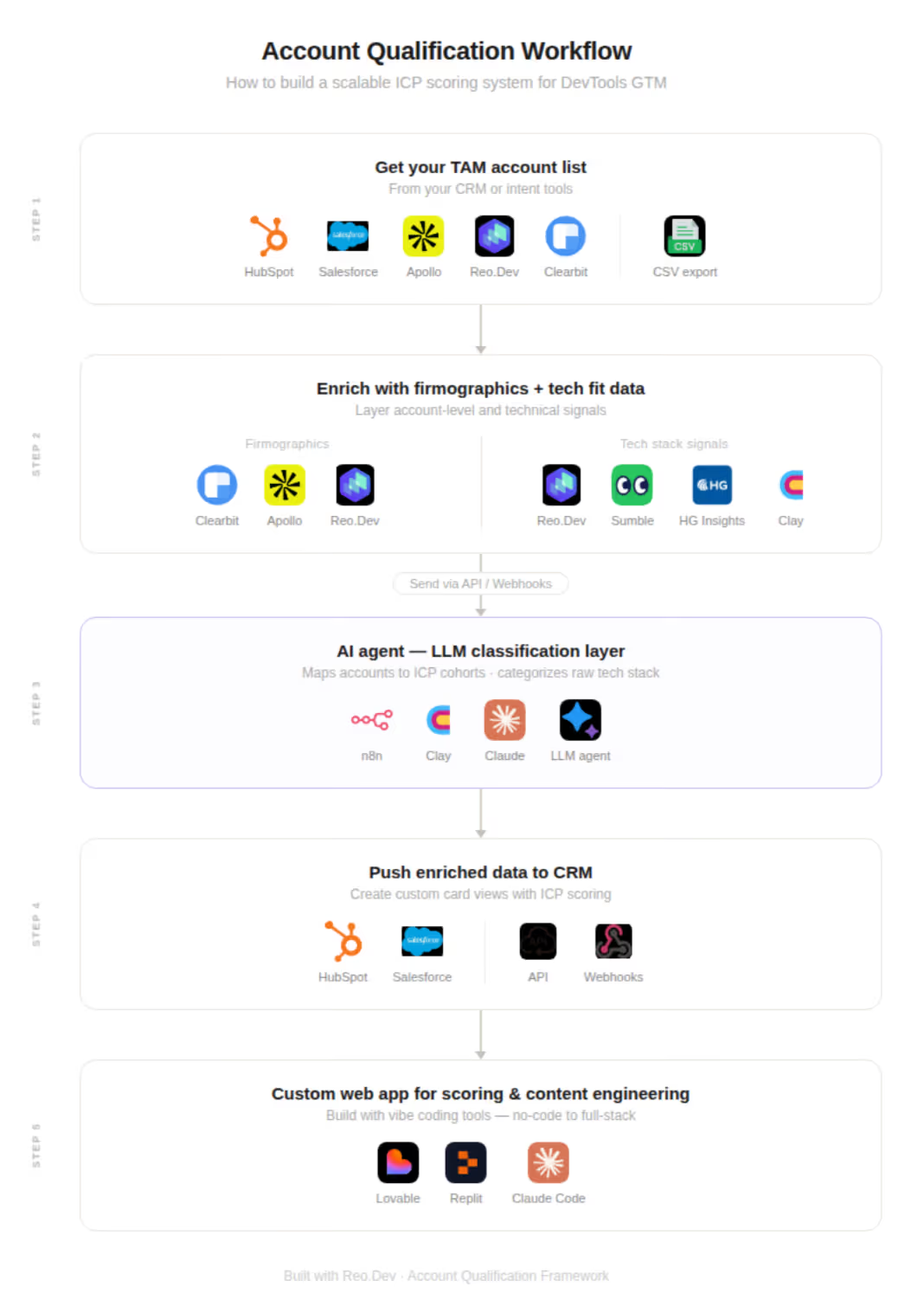
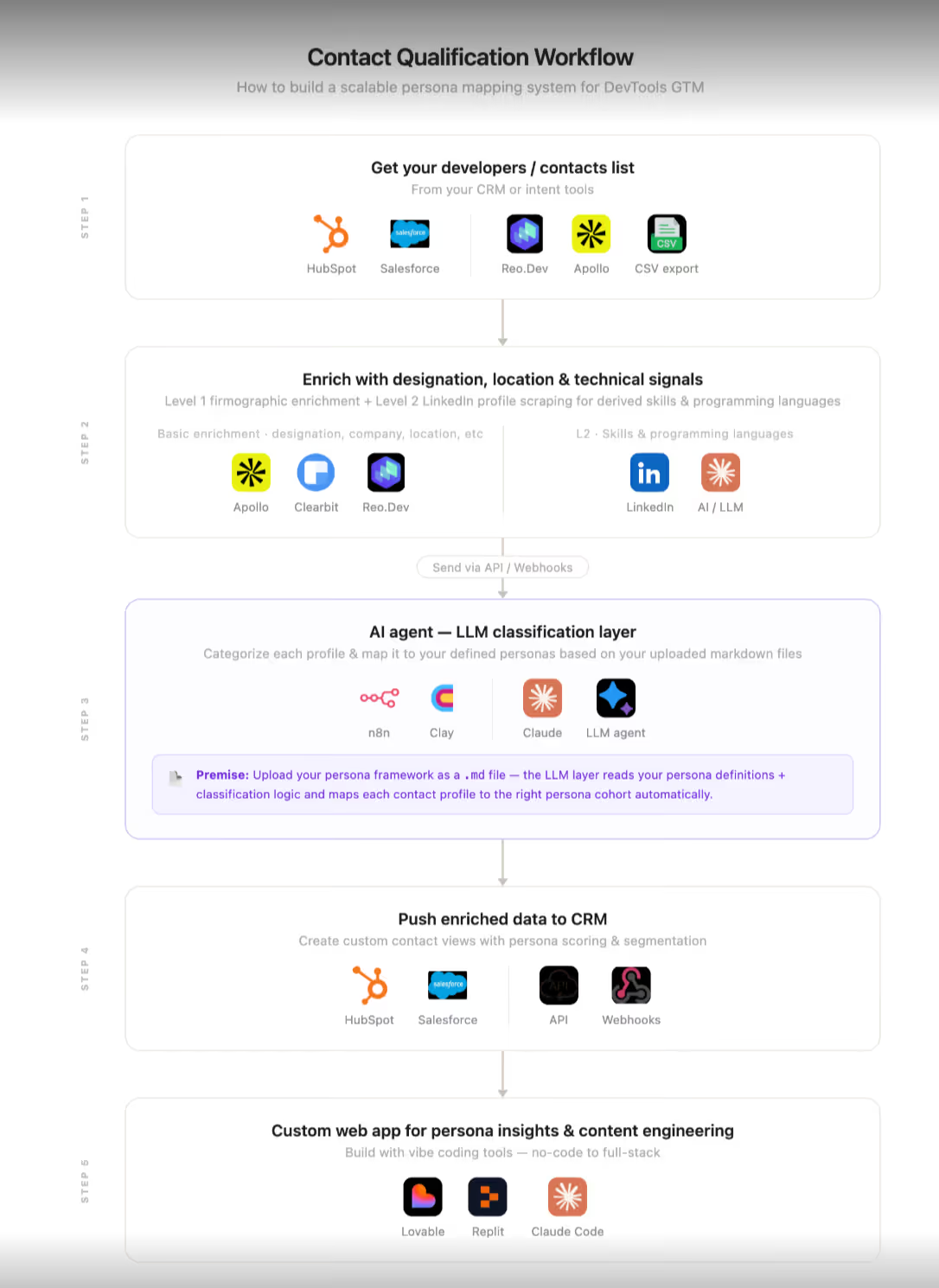
Workflow to replicate this
Context Engineering
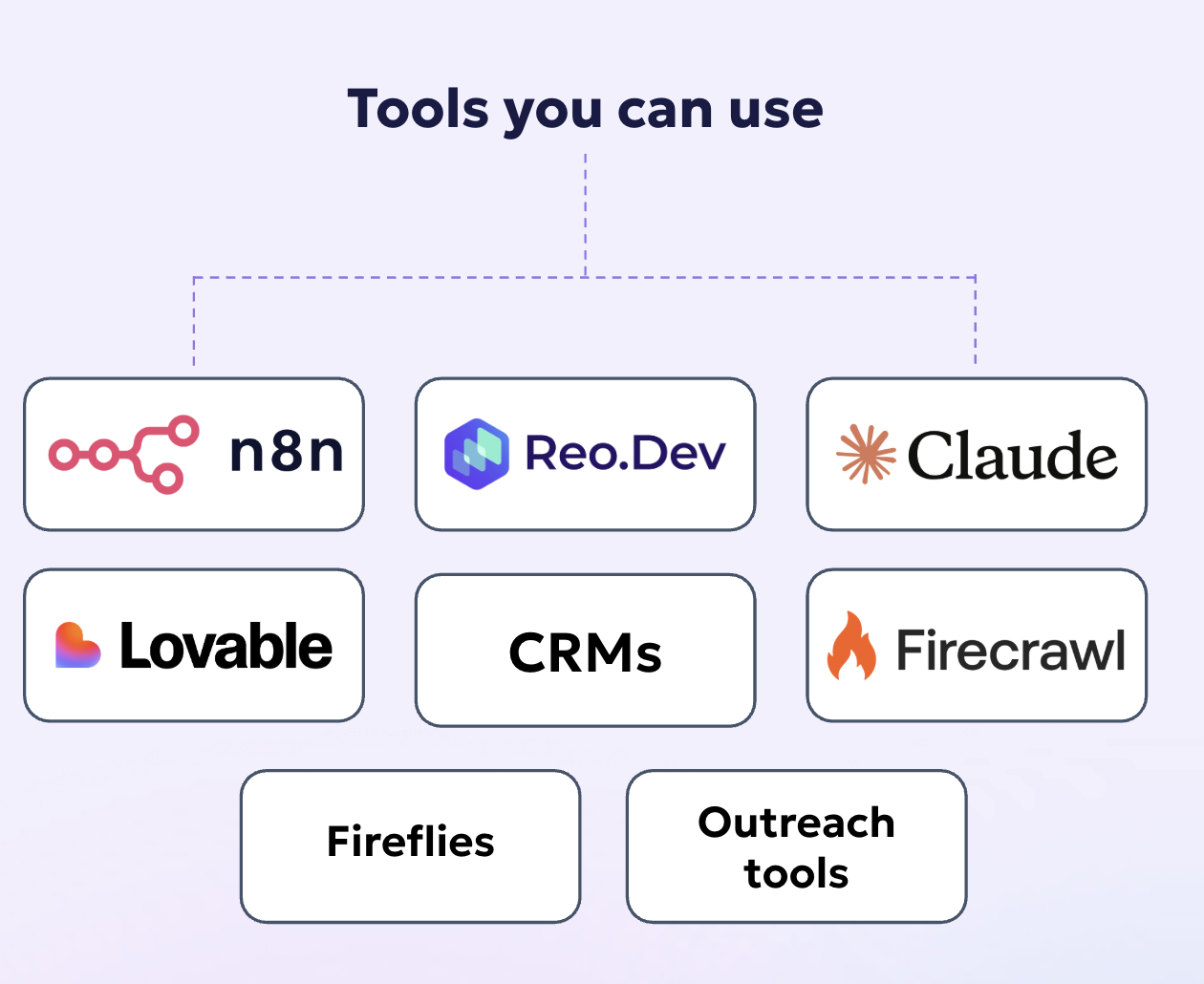
Tool template-
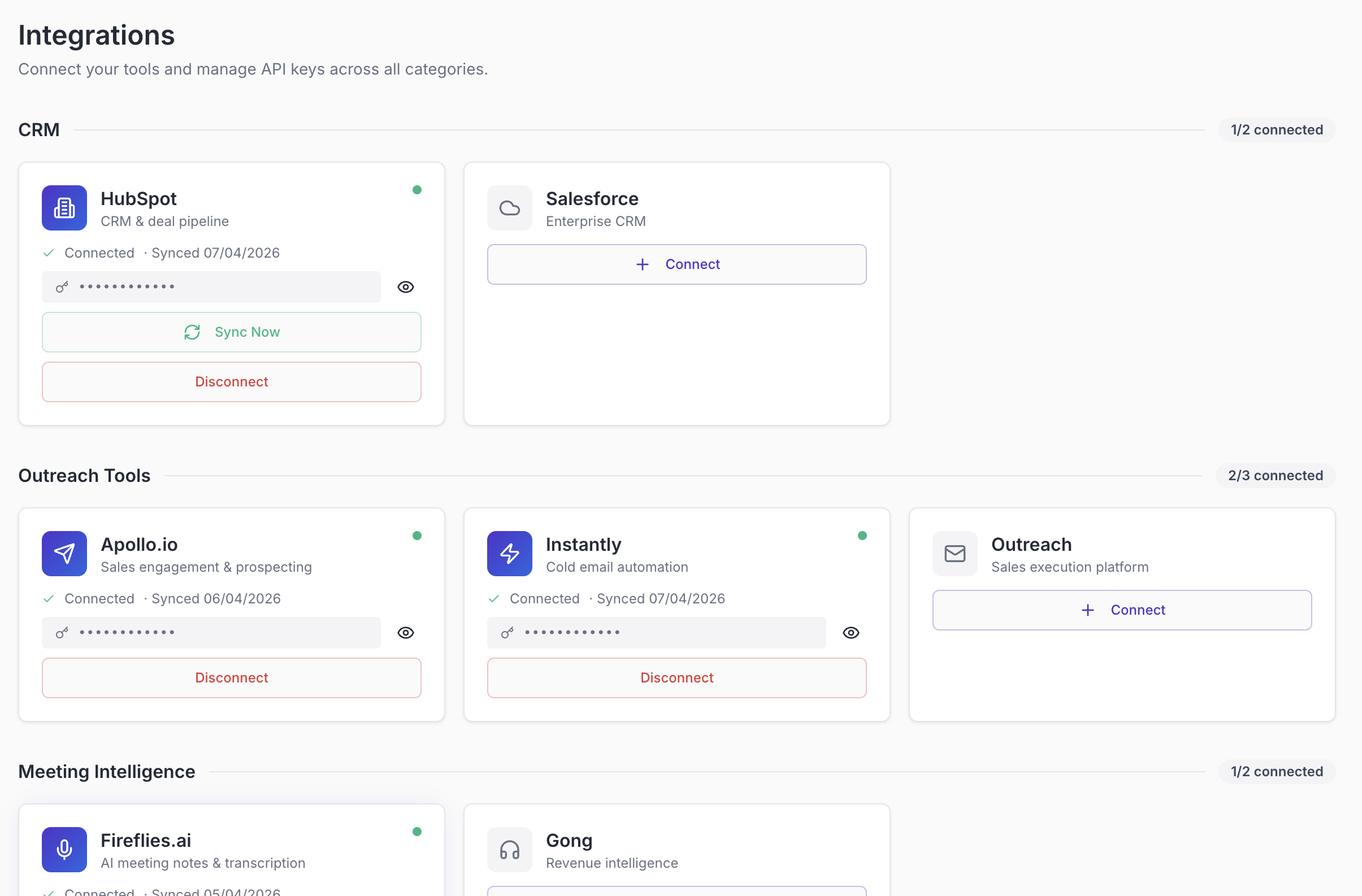
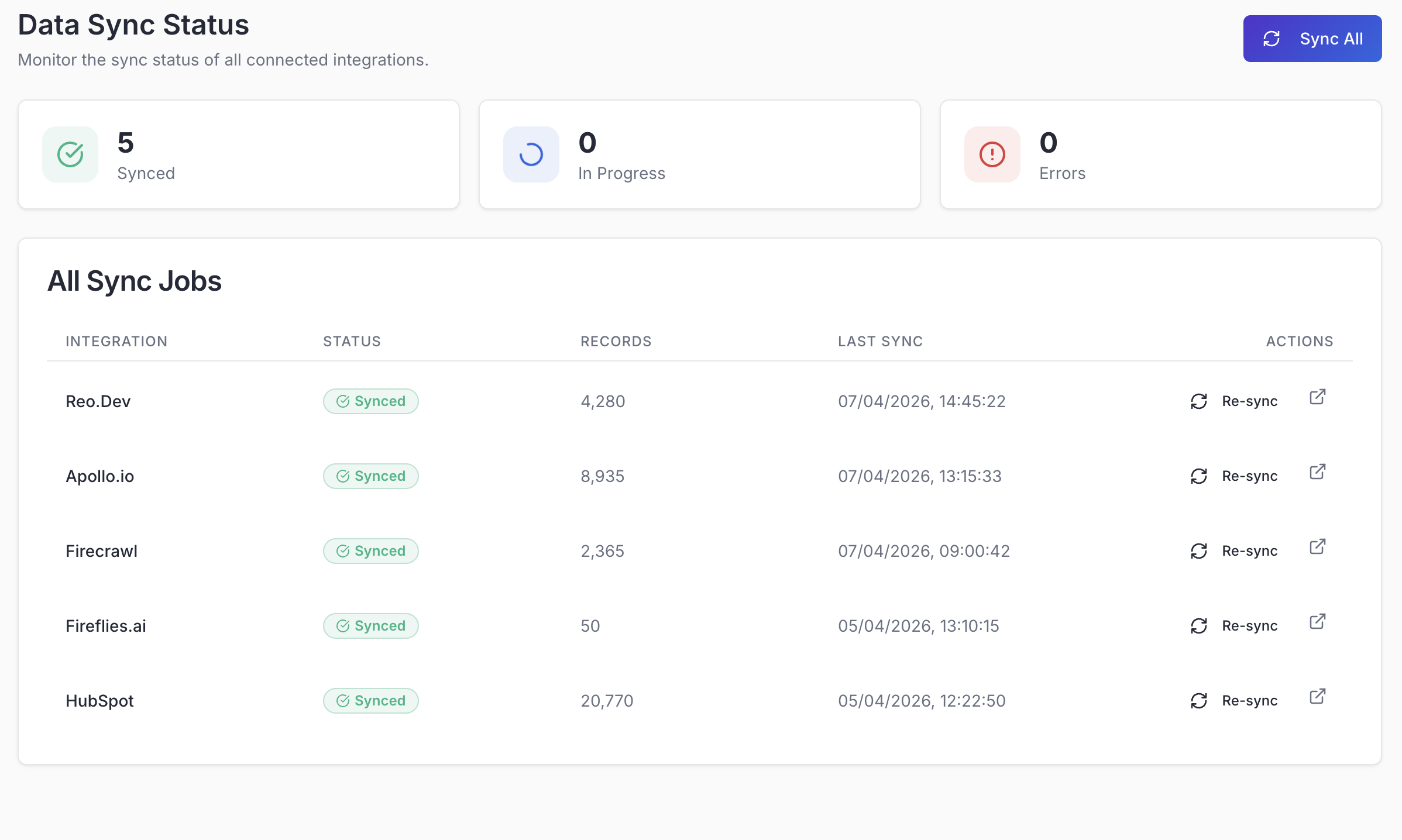
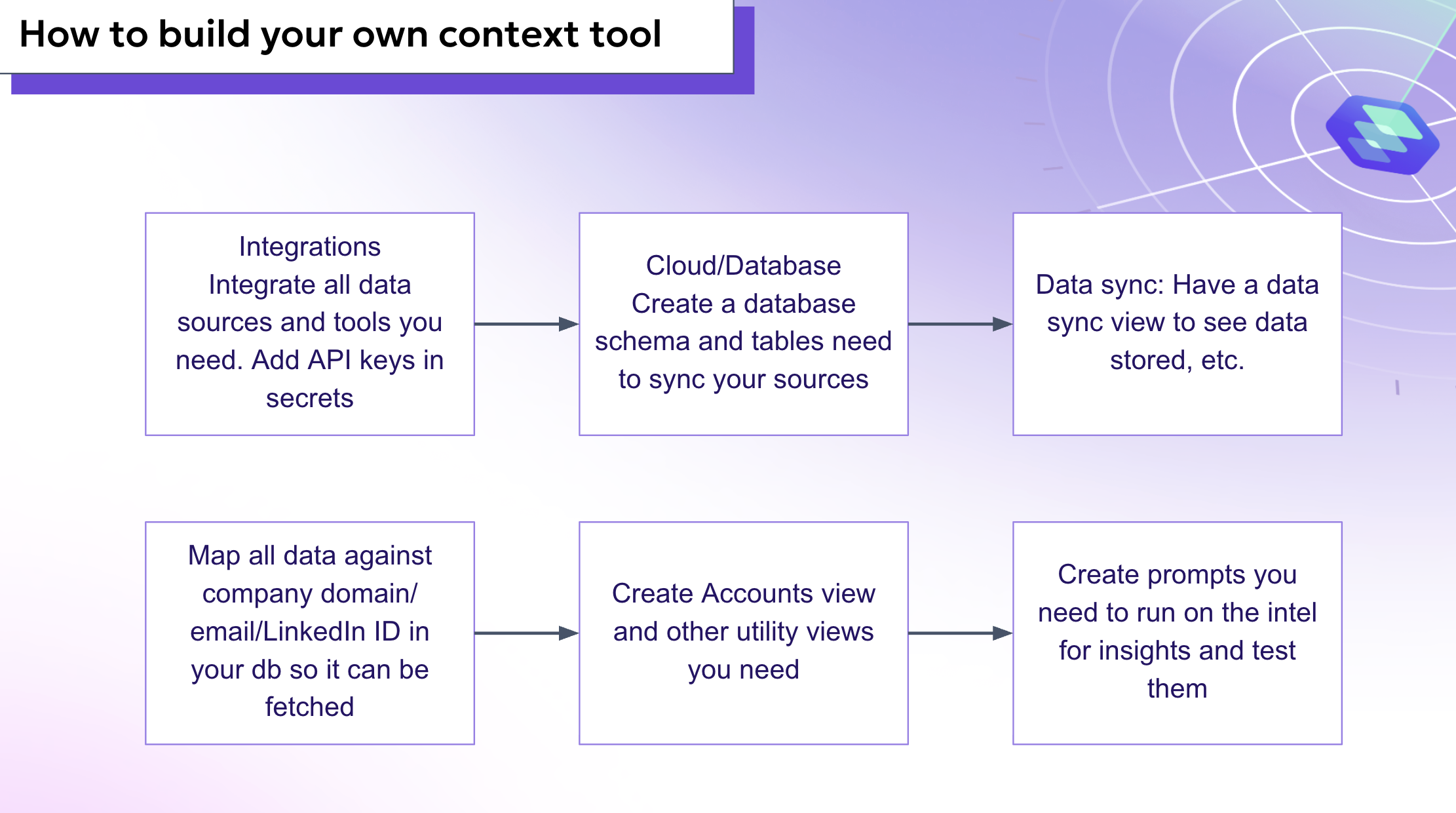
How to build your own context tool
DevGTM Mesh - Prompt guide
GTM Mesh: Build Guide (Execution-Ready)
This is a step-by-step guide to build a GTM Mesh system using AI + integrations + data pipelines.
1. Core Architecture
Prompt
Build a GTM Mesh system that:
- Connects to multiple GTM tools (CRM, product, comms, enrichment)
- Discovers API endpoints dynamically
- Fetches structured data
- Stores data in dedicated tables
- Enables unified visibility via dashboards
2. Integration Layer
Prompt
Create an integration system where users can connect tools via API keys.
Requirements
- Input API key / auth config
- Store config securely
- Show connection status
- Support multiple integrations (e.g., CRM, call tools, enrichment tools)
3. Endpoint Discovery (AI Layer)
Prompt
Build an endpoint discovery system that identifies usable API endpoints for each integration.
Output
- Base URL
- Auth method
- Rate limits
- Available endpoints
- Documentation link
UI
- List endpoints with checkboxes
- Allow users to select endpoints to sync
4. Sample Data Fetch + Schema Detection
Prompt
After selecting endpoints, fetch sample records and infer schema.
Requirements
- Fetch sample data from each endpoint
- Extract all available fields
- Display data in table format
- Allow field selection (all selected by default)
- Allow mapping to database tables
5. Database Design (Per Integration)
Prompt
Create separate structured tables per integration and data type.
Example Tables
- hubspot_contacts
- hubspot_deals
- hubspot_companies
- fireflies_transcripts
Rules
- Store raw API response
- Store flattened structured fields
- No transformation layer required before storage
6. Sync Engine
Prompt
Build a sync engine that pulls data from selected endpoints into database tables.
Features
- Configurable:
- Rate limits (req/sec)
- Concurrency (threads)
- Retry delay
- Max retries
- Handle pagination
- Handle API limits gracefully
- Support REST and GraphQL APIs
7. Sync Configuration UI
Prompt
Create a configuration layer before sync execution.
Inputs
- Endpoint → table mapping
- Field selection
- Rate limit settings
- Retry logic
Enhancement
- Recommend optimal settings based on API limits
8. Sync Execution + Logging
Prompt
When sync starts, navigate to a live status page.
Features
- Real-time logs (info, success, error)
- Auto-scrolling log viewer
- Summary stats:
- Records synced
- Sync duration
- Status
9. Sync Status Page
Prompt
Build a dedicated sync monitoring page.
Sections
- Summary cards
- Live logs
- Data tables per endpoint
Behavior
- Real-time updates
- Persist logs in database
10. Config Persistence
Prompt
Persist integration and sync configurations.
Store
- Selected endpoints
- Field selections
- Rate settings
- Table mappings
Behavior
- Auto-load previous config on revisit
11. Data Flow Principles
Prompt
Ensure data flows directly from API to database.
Rules
- No domain mapping
- No enrichment during ingestion
- No transformation layer required
- Preserve raw API data
12. GraphQL + REST Handling
Prompt
Support both REST and GraphQL integrations.
Requirements
- Detect API type
- Use GET for REST
- Use POST + query for GraphQL
- Normalize response into table format
13. Data Viewer
Prompt
Build a data viewer for each integration.
Features
- Tabs per data type
- Sortable tables
- Column visibility
- Raw + structured view
14. Insights Layer (GTM Visibility)
Prompt
Replace raw tables with insight-driven dashboards.
Sections
- Activity overview
- Product usage signals
- Content engagement
- API usage
Output
- Charts
- Ranked lists
- Aggregated metrics
15. Error Handling
Prompt
Handle backend errors without exposing them to users.
Rules
- Do not show raw API errors in UI
- Show only actionable states
- Log full errors internally
16. System Flow
End-to-End Flow
- Connect integration
- Discover endpoints
- Select endpoints
- Fetch sample data
- Select fields + map tables
- Configure sync
- Start sync
- Monitor via sync status
- View data in tables
- Analyze via insights
17. Meta Prompt (Reusable)
Prompt
Build a GTM Mesh system that:
- Connects multiple GTM tools
- Discovers and selects APIs dynamically
- Syncs structured data into dedicated tables
- Provides real-time sync visibility
- Surfaces insights via dashboards
Ensure:
- Clean UI
- Scalable architecture
- Reliable sync engine
- No unnecessary abstraction layers
- Full data transparency
Reference Context
This guide is derived from full system build steps and validated flows.
Agentic GTM Workflows